Free Chrome extension
What's This Site Running?
One click shows the software and versions any site gives away, and the known flaws in each.
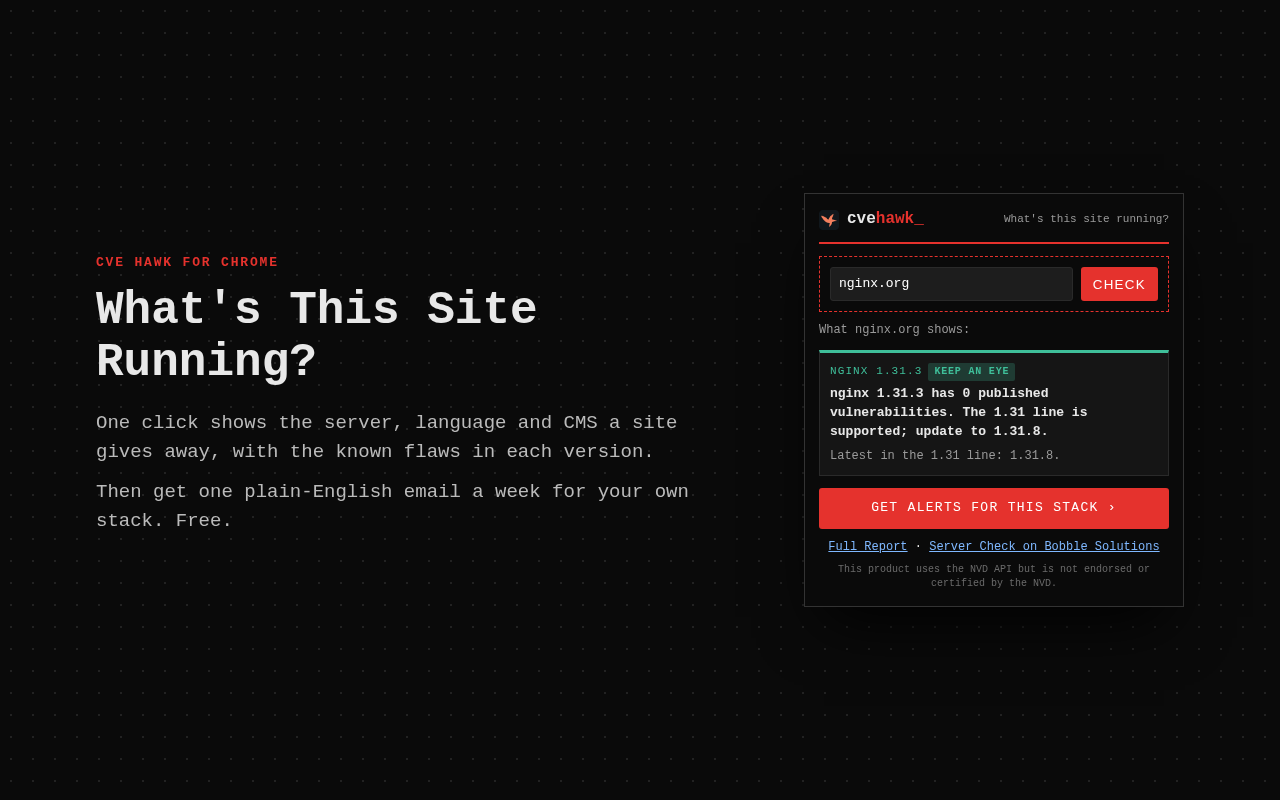
What It Does
- Click the button and the site you're on is filled in. Press Check and the results show in the popup.
- It reads what the site shows every visitor: web server, language and CMS (WordPress, Drupal, Magento and more), and their versions.
- For each version, you see its known flaws, whether any are on CISA's exploited list, and whether it still gets security fixes.
- Right-click any link and choose "What's that site running?" to check another site.
Private by Design
The extension sends only the site's host name to cvehawk.com, and only when you click. It doesn't read your pages or track your browsing. Privacy policy.
Not Using Chrome?
The same check runs on the site: What's my site running? And to hear when your own software has a new flaw, pick your software for a free weekly email.